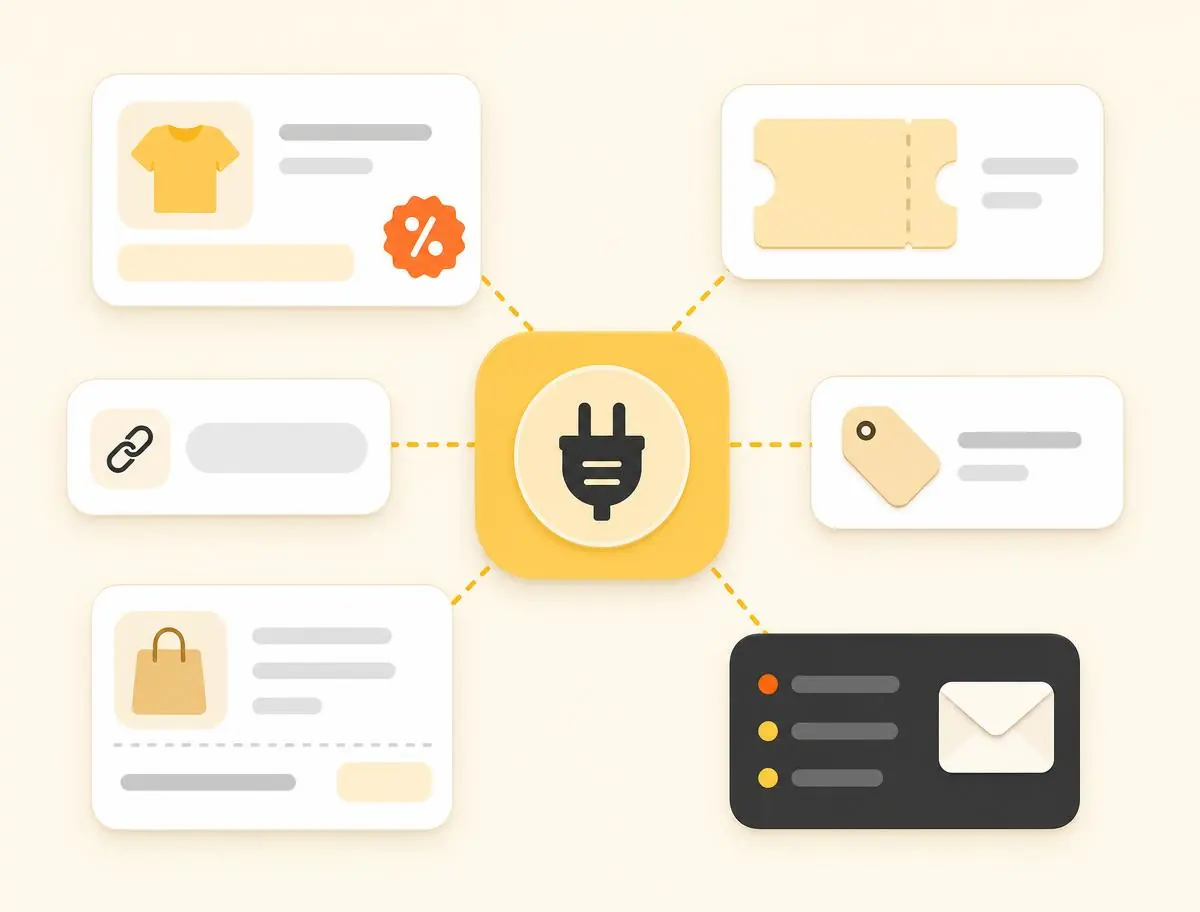
Secure API connection
Connect through HTTPS using Bearer token authentication and receive structured JSON responses.
FOR TECHNOLOGY PARTNERS
Access structured data on products, promotions, affiliate links, orders, commissions, and statuses through a single API. Automate updates, track conversions with SubID and postbacks, and reduce manual work.
Access product, promotion, order, and commission data through flexible API methods and filters.
Connect through HTTPS using Bearer token authentication and receive structured JSON responses.
Product and promotion data is updated daily, helping you keep storefronts, selections, and product pages current without manual edits.
Use product, marketplace, seller, category, and SubID data to build selections and analyze results by source, product, and placement.
Receive product prices, discounts, commissions, images, categories, SKUs, direct links, affiliate links, promotions, and promo codes.
Connect your extension to the Catuik API and receive product data, prices, promotions, promo codes, and ready-made affiliate links.
Show relevant discounts, cashback offers, or promo codes directly on supported marketplace pages. Send users to the product or promotion page through an affiliate link and track results using SubID and postbacks.
Receive order and commission data through the Publisher API to calculate cashback or loyalty points. Configure postbacks to receive real-time notifications when commissions are created or their status changes. Commission statuses are updated automatically every night and finalized after the hold period.
Lost orders can be registered within 7 days. Provide a receipt and a marketplace screenshot, and the commission will be created and processed by the seller in the standard flow.
Use ready-made product selections with promotions or promo codes. You can simply place a link to a storefront from the landing_link field in the Get promotions list method. If needed, pull current promotions and promo codes from the API, including code, discount size, and validity period, and build your own collections such as “20% off electronics.”
If a promo code is available, show it next to the button and send the user to the promotion page or product listing. Hide expired or unattractive offers using expiration dates and discount thresholds.
Receive product, price, promotion, and affiliate link data through the API. Use it to build storefronts, landing pages, product aggregators, and comparison pages. Send users to a promotion page or directly to a product listing through an affiliate link.
Highlight special offers with badges in your storefronts. Promotions and participating products are updated automatically based on validity dates, stock availability, and price relevance.
Data in the system is updated once a day. Through the API, you automatically receive products with up-to-date prices, commissions, images, and ready-made affiliate links in JSON/HTTP format. This removes the need to manually edit product cards and selections.
Affiliate links can include a SubID parameter. Statistics are automatically grouped by this value, product, and source. If needed, you can set up postbacks in your account: go to Profile → Postback, specify the URL and method, GET or POST, and the service will send conversion notifications with key fields such as id, date, subid, publisher_fee, total_cart, currency, and status.
The Get commissions list method returns the commission amount, order amount, timestamps such as created_at and updated_at, the marketplace source, and the SubID you passed. This is enough for accurate financial reconciliation and traffic attribution.
Separate methods return active promotions and coupon offers, as well as the products participating in them. This is a convenient source for high-demand deal collections.
Generate a token in your account and specify the source ID in requests.
Receive products, promotions, and promo codes from the Publisher API in a unified format together with prices, images, and affiliate links.
Build storefronts and selections on your side using product prices, discounts, and affiliate links from the API.
The user clicks an affiliate link, lands on a product listing, and places an order.
Reports show amounts, statuses, and sources. Enable postbacks, and the platform will send commission data to your server in real time when it is created or updated.
After the hold period, the commission receives its final status: approved or declined. Use the final status for reporting, reconciliation, and cashback calculations.
Catuik sends notifications to your server via HTTP GET or POST when a conversion is recorded through your link.
Order recorded (pending), order approved (approved), or order declined (declined).
Conversion ID, status, order amount, commission, time, your SubID, and other selected parameters.
The SubID value is included in the postback and visible in the Get commissions list method, so you can easily understand which page, channel, or creative generated the order.
Use HTTPS only, validate parameters, restrict access by IP or signature on your side if applicable, and do not write tokens to logs.
Create an HTTPS endpoint and add the Postback URL in your Catuik account. Test sending is available. Configure which data you want to receive in the notification.
For product cards and storefronts: price, commission, images, category, marketplace/store, SKU; and two links: external_link for the direct link and tracking_link for the affiliate link.
Method: Get products list with links.
Promotion type, global_sale, sale, or coupon; discount size; start_date and end_date; coupon if available; promotion page landing_link.
Method: Get promotions list.
Discounts, price_discount and discount_percent, commission, tracking_link, category, store, and marketplace.
Method: Get promotion products.
Mapping between category ID and title for filters and content categorization.
Method: Get product categories list.
Status: pending, approved, or declined; commission_amount; cart_amount; dates; marketplace; SubID; product-level analytics fields where available.
Method: Get commissions list.
Receive source_id and moderation status, verification, approved, or declined. The source_id is required in requests for products, promotions, and products inside promotions.
Method: Get source list.
Show a feed by selected marketplace and category. Sort by discount size and expiration date. Hide expired offers using dates from the response. Set price and discount thresholds on your side based on the fields received.
Analyze SKUs, links, keywords, and UGC content on your platform, compare them with API data, and automatically add affiliate links or thematic storefronts.
Build feeds for each user. Specify marketplace and category in requests, and apply local filters by price and discount using the response data.
The extension compares the current page with your data and shows a discount or cashback icon. On click, send the user to the promotion page or directly to the product listing.
Insert a small block with two or three top offers related to the article topic. Select offers by discount, expiration date, and category, and send clicks through affiliate links.
Create “Best today” pages with sorting by price and discount. For storefronts focused on a specific marketplace, use marketplace and store data.
TECHNOLOGY AND CONVENIENCE

PUBLISHER API
One integration for storefronts and promo codes: unified data format, ready-made affiliate links, SubID attribution, and status postbacks. Launch monetization without manual routine.